Business Systems / Case study
NexusDialer
An AI contact-center dialer: calling, CRM and an assistant in one place
In short
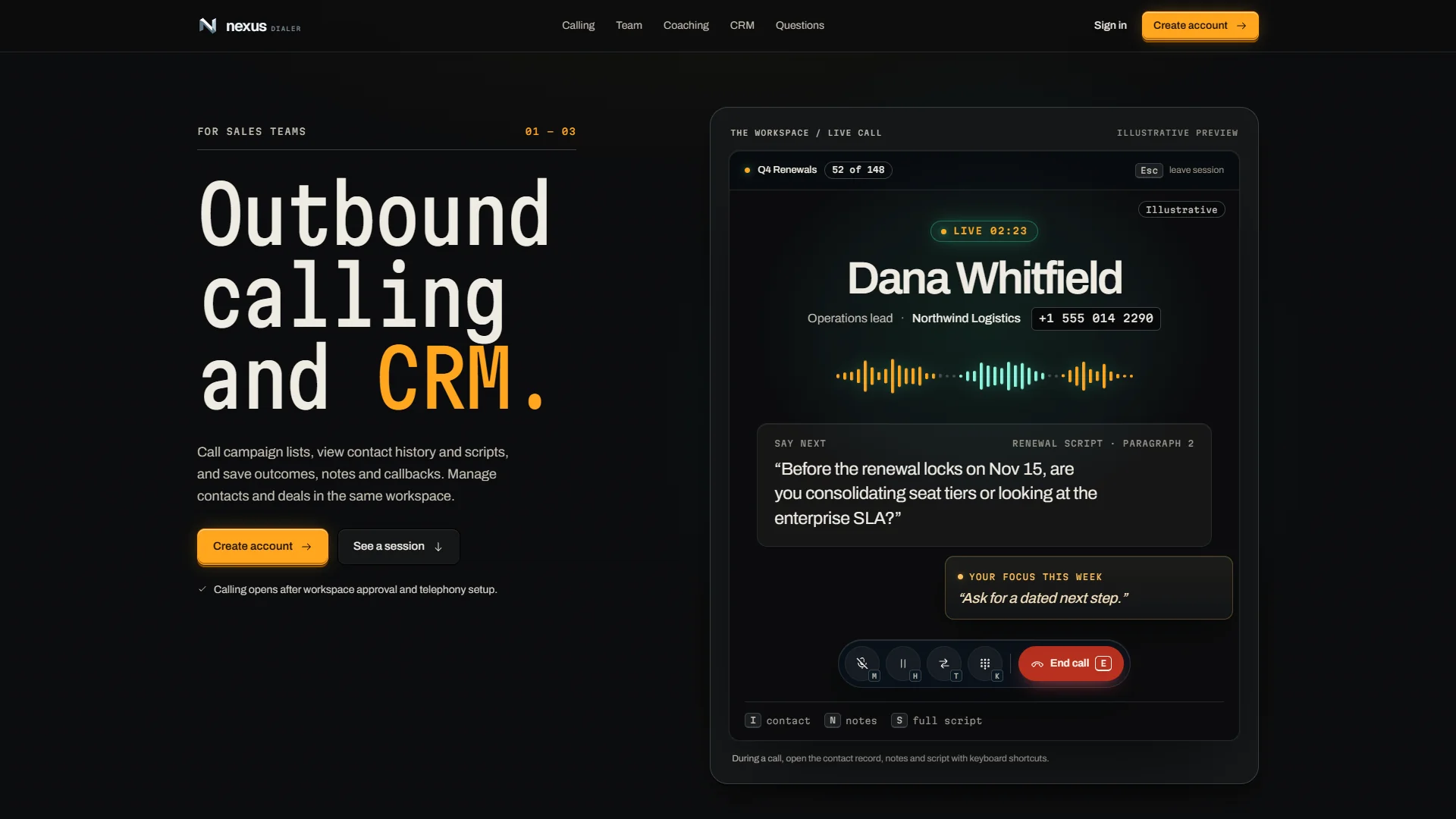
NexusDialer is our AI contact-center dialer: outbound calling, the contact record and a private per-user assistant in one product on web and native, now in active development.
ResultOne product replaces the dialer, CRM tab and notes app an outbound agent usually juggles.
- Status
- In development
- State
- In active development
- Platforms
- Web + native
- Assistant
- Per-user, private
- Calling hours
- Per contact timezone
- Built with
- Elixir / Phoenix / React / React Native
Inside the project
01 / 01Live capture from nexusdialer.com, November 2026.
The brief
The problem
Outbound teams juggle a dialer, a CRM and a notes app while trying to stay compliant. Off-the-shelf contact-center software is expensive, rigid about workflow, and usually adds AI as a separate feature.
What we did
Our approach
We are building our own contact center end to end: calling, campaigns, agent views and the contact record in one product, with a private assistant for each user that helps before, during and after the call. Web and native apps share the same backend. Calls are held to a calling window in each contact's timezone and checked against an internal do-not-call list.
Features
What it does
- 01
Predictive and progressive dialing
- 02
Live agent views and call monitoring
- 03
Contact record beside every call
- 04
Private AI assistant for each user
- 05
Campaign scheduling
- 06
Calling windows and an internal do-not-call list
Results
What happened
- Public product site live at nexusdialer.com
- Web and native apps built on one shared backend
- Calling, contact record and assistant in a single workspace
- Calling windows per contact timezone and an internal do-not-call list
- Under active development, with a large automated test suite guarding each change
Services
What this work shows we do
Communication systems
Service pageCalls, texts and email connected to your customer records.
Custom software
Service pageSoftware built around how the business works, and run after launch.
AI automation
Service pageModels wired into the tools your team already uses, with logs and limits.
Related work
Built with the same services
 Developer Tools
JarvisMCP
JarvisMCP gives AI agents one governed door into our company systems: CRM, search intelligence, infrastructure, memory and coordination. Agents find the capability they need, act through it, and leave a record. They never hold the keys.
Read the case study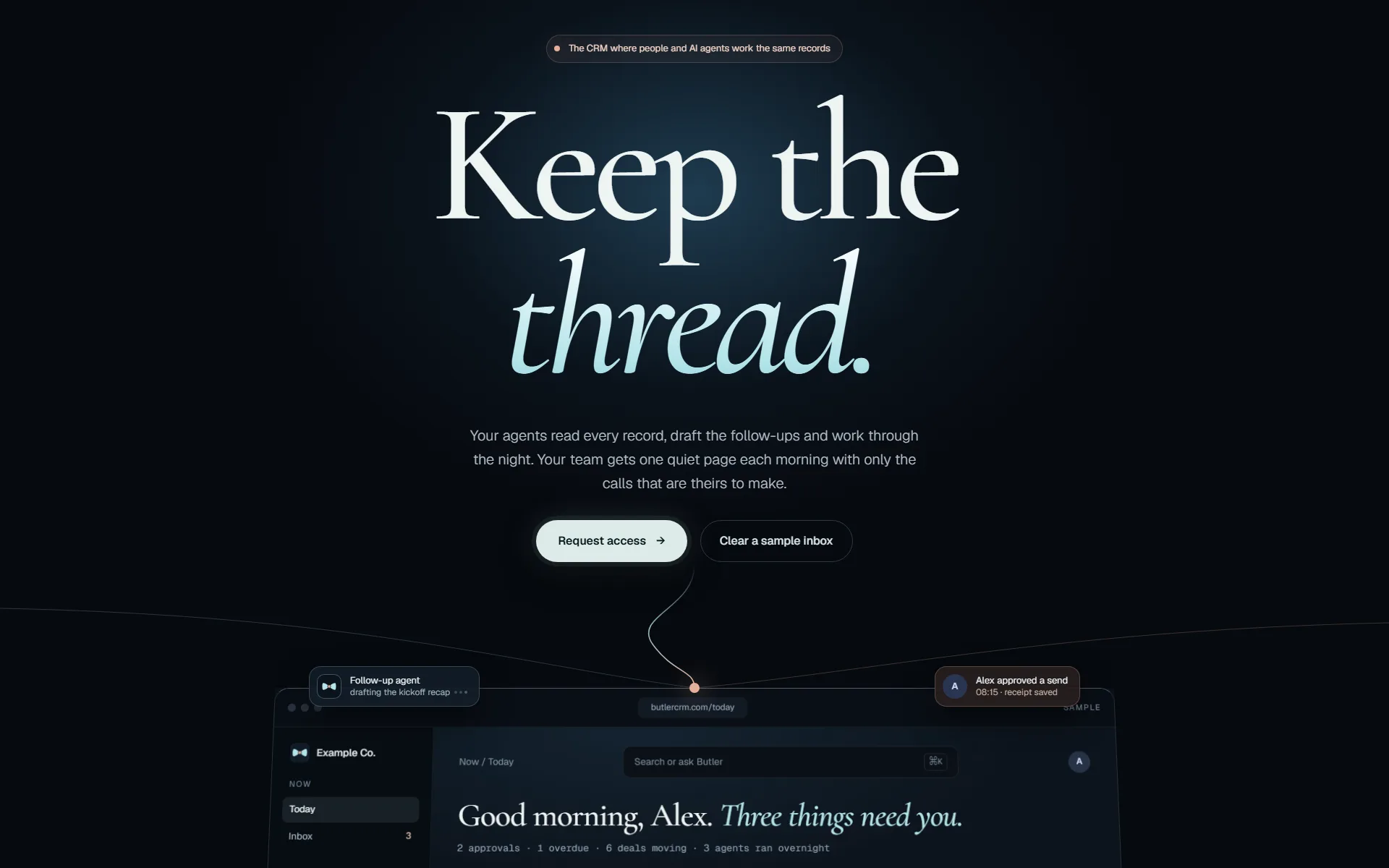 Business Systems
ButlerCRM
ButlerCRM keeps contacts, deals, email, calendar and tasks in one workspace that updates live for everyone in it. We rebuilt it on Elixir/Phoenix so changes appear for the whole team as they happen.
Read the case study
How we work
How a change reaches production
The same five gates for our own products and for yours. Nothing reaches your customers on the strength of a demo.
- 01 · Isolate
Its own branch and workspace
Every change starts in a separate copy of the code, so work in progress never touches what is live.
git worktree add .worktrees/your-change - 02 · Build
Engineers with AI agents
Agents write and test code beside us. They hold no passwords: every call they make goes through our gateway, which checks it and logs it.
agent → gateway → policy · audit · call - 03 · Prove
Evidence, then review
Tests, before-and-after screenshots of the running app, then independent reviewers. It does not move on until no serious finding is left.
review: 0 high · 0 medium → pass - 04 · Ship
Deployed and checked live
The pipeline builds and deploys. Then we check the running service itself, not just a green build.
replicas 1/1 · image sha matches · health 200 - 05 · Watch
Checked every night
Each integration we run is tested against its provider every night, so a changed API is caught before your team notices.
nightly: each integration vs its provider