Missed calls
Call routing, plus a text back when nobody can answer
missed calls returned
Analytics only if you accept. Privacy
Services
A missed call is often a lost customer. We set up phones, messaging and follow-up so calls get answered or returned.
VoIP Calls/SMS/WhatsApp/Email/Web Chat/Social DMs
In short
VoIP, SMS and AI chat connected to your CRM, so each call is logged and a missed call gets an automatic text back. RingCentral, Aircall, Twilio and Gemini voice agents can answer outside office hours.
How it runs
Example run
Call routing, plus a text back when nobody can answer
missed calls returned
An automatic first reply to each enquiry
first reply sent automatically
Automated follow-up sequences you can control
follow-ups scheduled for you
Centralized conversation history and searchability
all messages in one place
Built on RingCentral, Twilio, Aircall
IVR, call queues, and live monitoring on one screen
Two-way messaging on the channels your customers use
Voice infrastructure sized for a small or mid-sized team
A business phone your team can use from anywhere
All messages in one place
An immediate reply while your team is busy
Phone system setup / Number porting or new numbers / User accounts created
Connect to your CRM / Set up automations / Configure routing rules
Team training session / Go live / Support handoff
We handle configuration, integration and training. Most setups take days rather than weeks.
FAQ
Yes. We integrate phone systems with CRMs so calls are logged automatically, caller information pops up on screen, and call recordings attach to contact records. We work with VoIP providers like RingCentral, Vonage, Aircall, and built-in CRM dialers.
When you miss a call, the caller gets a text such as 'Sorry we missed your call. How can we help?' It keeps callers who would otherwise try another business, which matters most for service businesses.
Yes. They answer common questions, book appointments, capture leads and hand harder issues to a person. They understand questions phrased in different ways, so customers do not have to match a script.
Yes. We set up SMS campaigns that follow opt-in rules, appointment reminders, review requests and two-way texting, all logged in your CRM.
Chatbots, SMS auto-replies and AI voice systems answer routine questions out of hours, and urgent messages are passed to someone on call.
Work
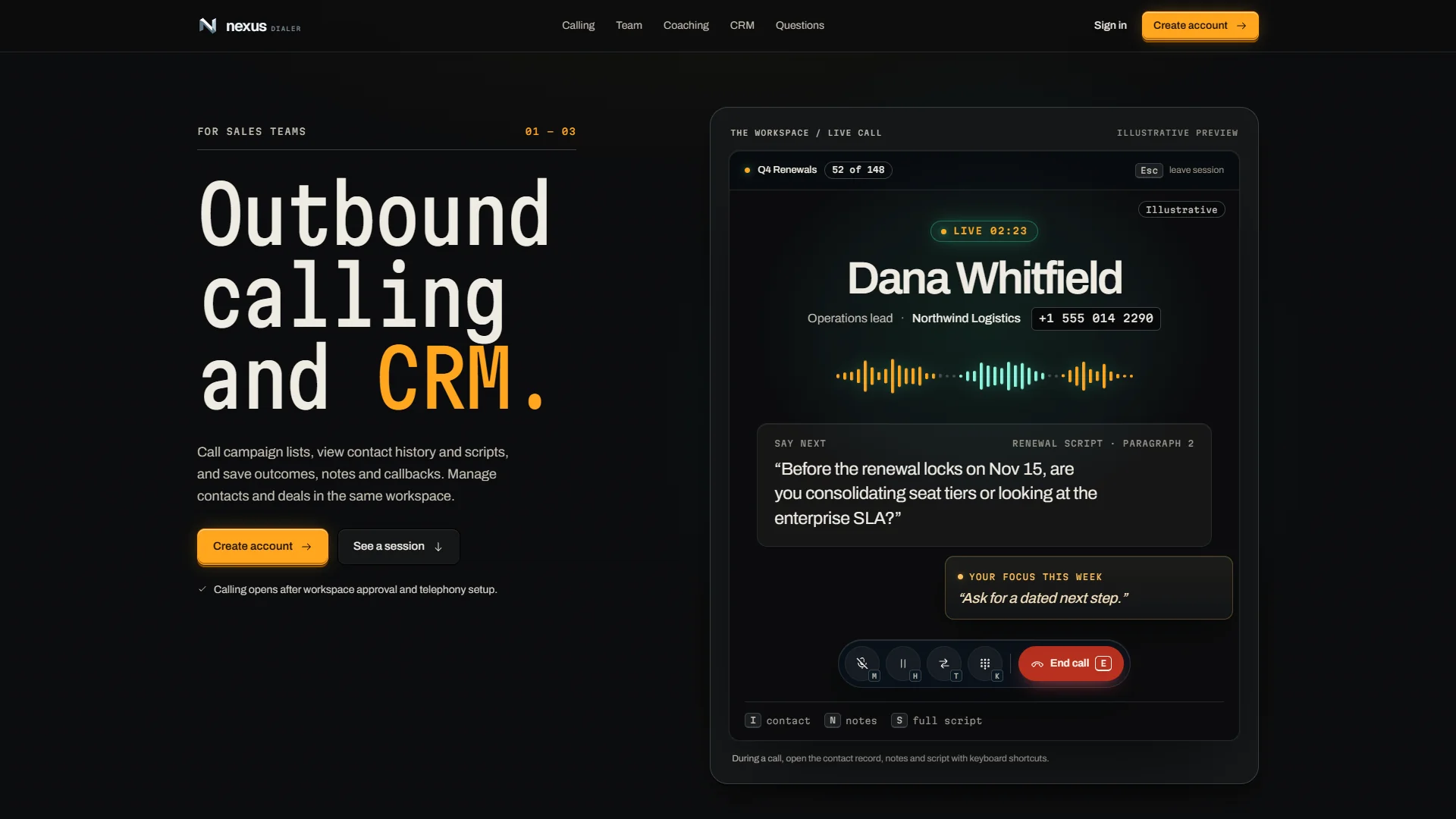
NexusDialer puts outbound calling, the contact record and a personal AI assistant on the same screen, on the web and on the phone. It is our own contact-center product and is being built out now.
Read the case study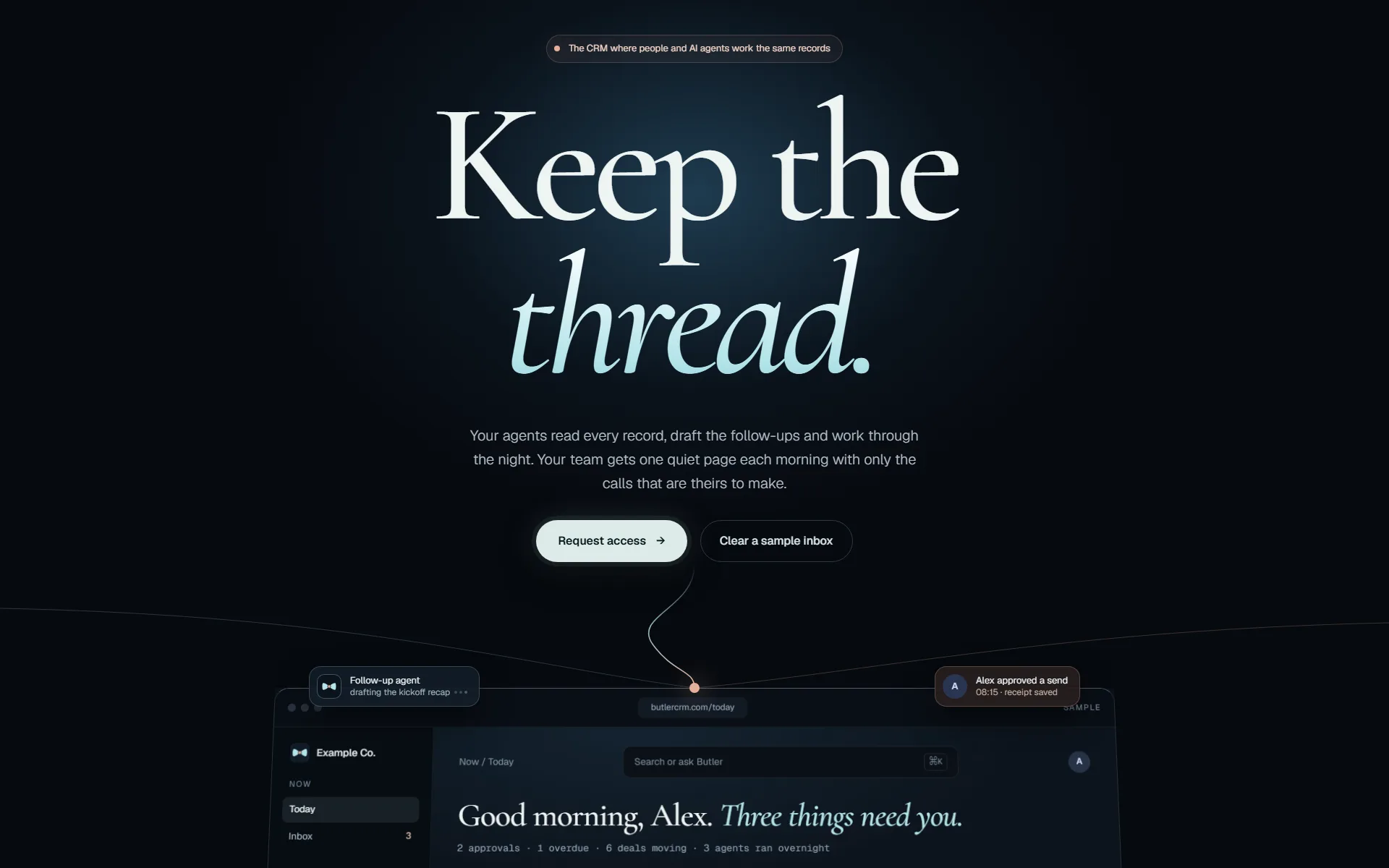
ButlerCRM keeps contacts, deals, email, calendar and tasks in one workspace that updates live for everyone in it. We rebuilt it on Elixir/Phoenix so changes appear for the whole team as they happen.
Read the case studyHow we work
The same five gates for our own products and for yours. Nothing reaches your customers on the strength of a demo.
Every change starts in a separate copy of the code, so work in progress never touches what is live.
git worktree add .worktrees/your-changeAgents write and test code beside us. They hold no passwords: every call they make goes through our gateway, which checks it and logs it.
agent → gateway → policy · audit · callTests, before-and-after screenshots of the running app, then independent reviewers. It does not move on until no serious finding is left.
review: 0 high · 0 medium → passThe pipeline builds and deploys. Then we check the running service itself, not just a green build.
replicas 1/1 · image sha matches · health 200Each integration we run is tested against its provider every night, so a changed API is caught before your team notices.
nightly: each integration vs its provider