API Integration
API connections between your systems
Uptime: Monitored / Response: Fast / Success: Retried
- RESTful API support
- GraphQL integration
- Real-time webhooks
- Custom endpoints
We use cookies for analytics. Privacy
We connect your CRM, billing, and legacy systems so data moves between them without anyone re-typing it
Your CRM, billing and operations tools share data
Steps that ran by hand now run on their own
We connect current SaaS tools to older systems

In short
REST, GraphQL, and webhook integrations with OAuth, IP whitelisting, and automated reconciliation between cloud and legacy systems. For APIs that don't exist we build RPA bridges, database connectors, and file-based pipelines with audit trails.
How it runs
Example run
API connections between your systems
Uptime: Monitored / Response: Fast / Success: Retried
Keep your data in sync across all platforms
Sync: Real-time / Quality: Validated / Volume: Scalable
Cloud infrastructure sized to the workload
Availability: Designed / Scaling: Auto / Reach: Global
Access control and encryption for your integrations
Encryption: 256-bit / Access: OAuth / Monitoring: Alerts
Typical build: about 9–18 weeks to launch, then ongoing support. Solid bars are the short estimate, the faint tail the long one.
System analysis and requirements gathering
System Audit & Evaluation / Integration Requirements / Architecture Planning / Technical Feasibility
Integration development and testing
API Development / Data Structure Mapping / Integration Testing / Connector Building
Secure data transfer between systems
Data Cleansing / Schema Transformation / Validation Rules / Historical Data Transfer
System deployment and configuration
Environment Setup / Load Testing / Monitoring Configuration / Performance Optimization
End-to-end testing of each integration
Integration Verification / End-to-End Testing / User Acceptance / Performance Benchmarking
Ongoing support and optimization
Monitoring & Alerting / Performance Tuning / Version Updates / Continuous Improvement
REST, GraphQL, and webhook connections between your tools
A change in one system shows up in the others
OAuth, IP whitelisting, and encrypted credentials
An alert goes out when a sync fails
FAQ
We build API integrations between cloud platforms, database synchronizations between on-premise and cloud systems, real-time data pipelines, and middleware solutions that connect legacy software to modern applications. If data needs to flow between systems, we can build it.
Yes. We use multiple approaches: database connections for systems with accessible databases, file-based integrations for systems that export CSV/XML, RPA (robotic process automation) for systems with only user interfaces, and custom connectors when needed.
We validate data at each connection, run reconciliation checks, keep audit logs, and alert you when records disagree.
We use encrypted connections, OAuth, API keys limited to what each connection needs, IP allowlists where they help, and access logs.
Yes. Support covers monitoring, error handling, updates when a connected system changes its API, and technical help.
Work
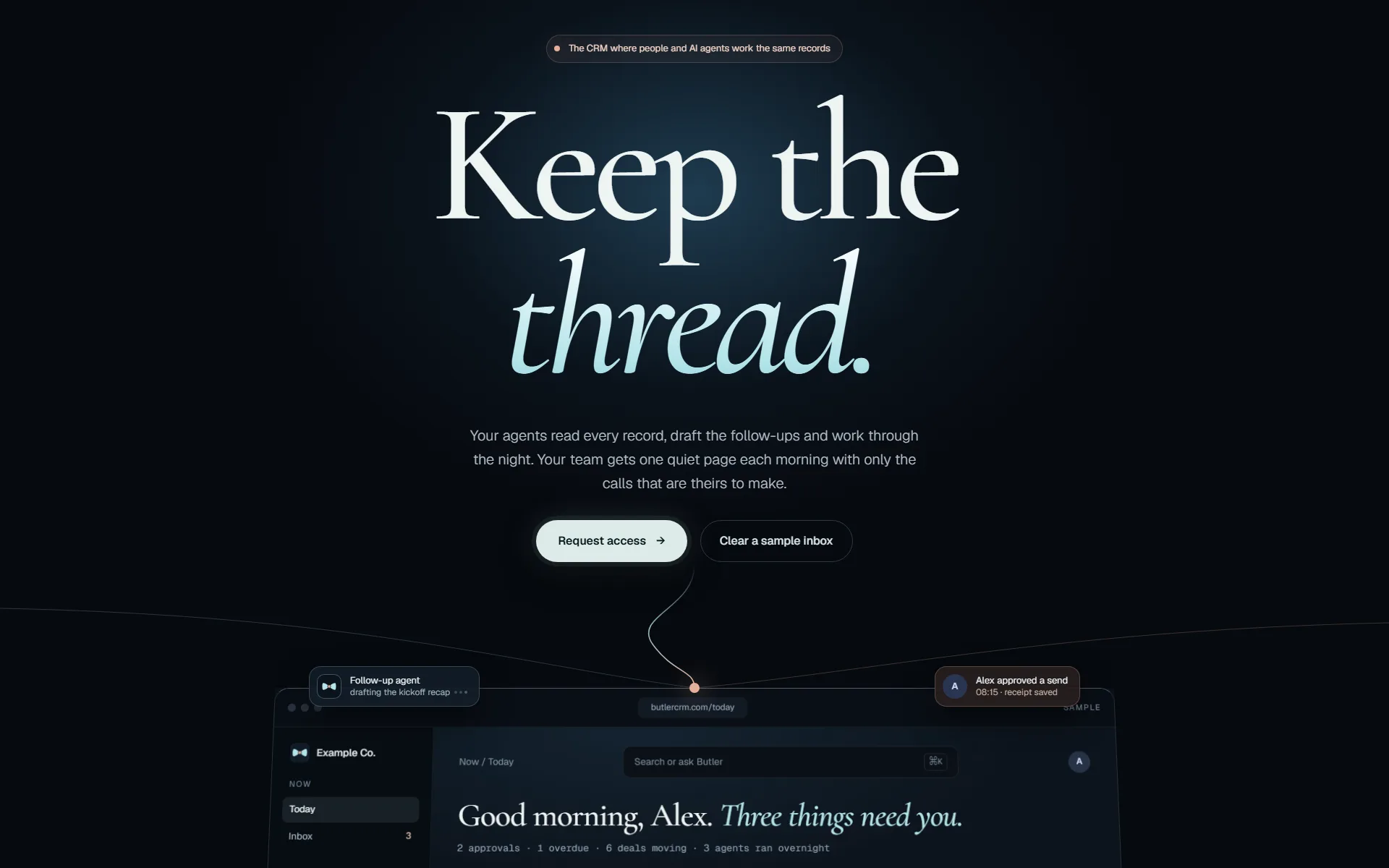
ButlerCRM keeps contacts, deals, email, calendar and tasks in one workspace that updates live for everyone in it. We rebuilt it on Elixir/Phoenix so changes appear for the whole team as they happen.
Read the case studyJarvisMCP gives AI agents one governed door into our company systems: CRM, search intelligence, infrastructure, memory and coordination. Agents find the capability they need, act through it, and leave a record. They never hold the keys.
Read the case study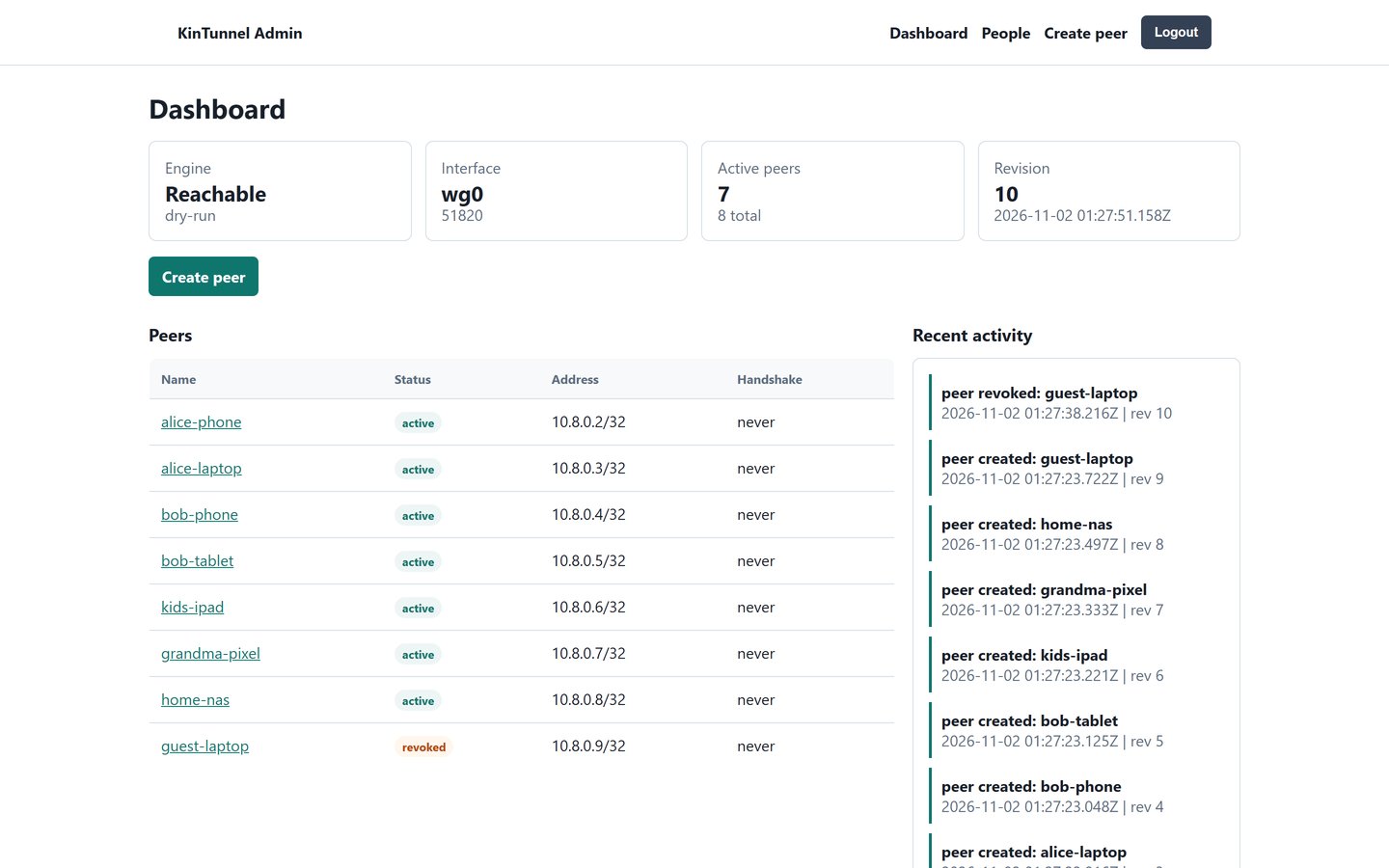
A public infrastructure project that manages VPN access for families and small teams. WireGuard networking, Docker-native deployment, and self-hosted operational control.
Read the case studyHow we work
The same five gates for our own products and for yours. Nothing reaches your customers on the strength of a demo.
Every change starts in a separate copy of the code, so work in progress never touches what is live.
git worktree add .worktrees/your-changeAgents write and test code beside us. They hold no passwords: every call they make goes through our gateway, which checks it and logs it.
agent → gateway → policy · audit · callTests, before-and-after screenshots of the running app, then independent reviewers. It does not move on until no serious finding is left.
review: 0 high · 0 medium → passThe pipeline builds and deploys. Then we check the running service itself, not just a green build.
replicas 1/1 · image sha matches · health 200Each integration we run is tested against its provider every night, so a changed API is caught before your team notices.
nightly: each integration vs its provider