Some parts of this page need JavaScript.

Skip to main content

We use cookies for analytics. Privacy

Partners / RingCentral

Business phone systems, set up and connected

We are a RingCentral® partner. We set up and migrate RingCentral phone systems, configure AI Receptionist™, and connect calls and texts to the CRM and tools the team already uses.

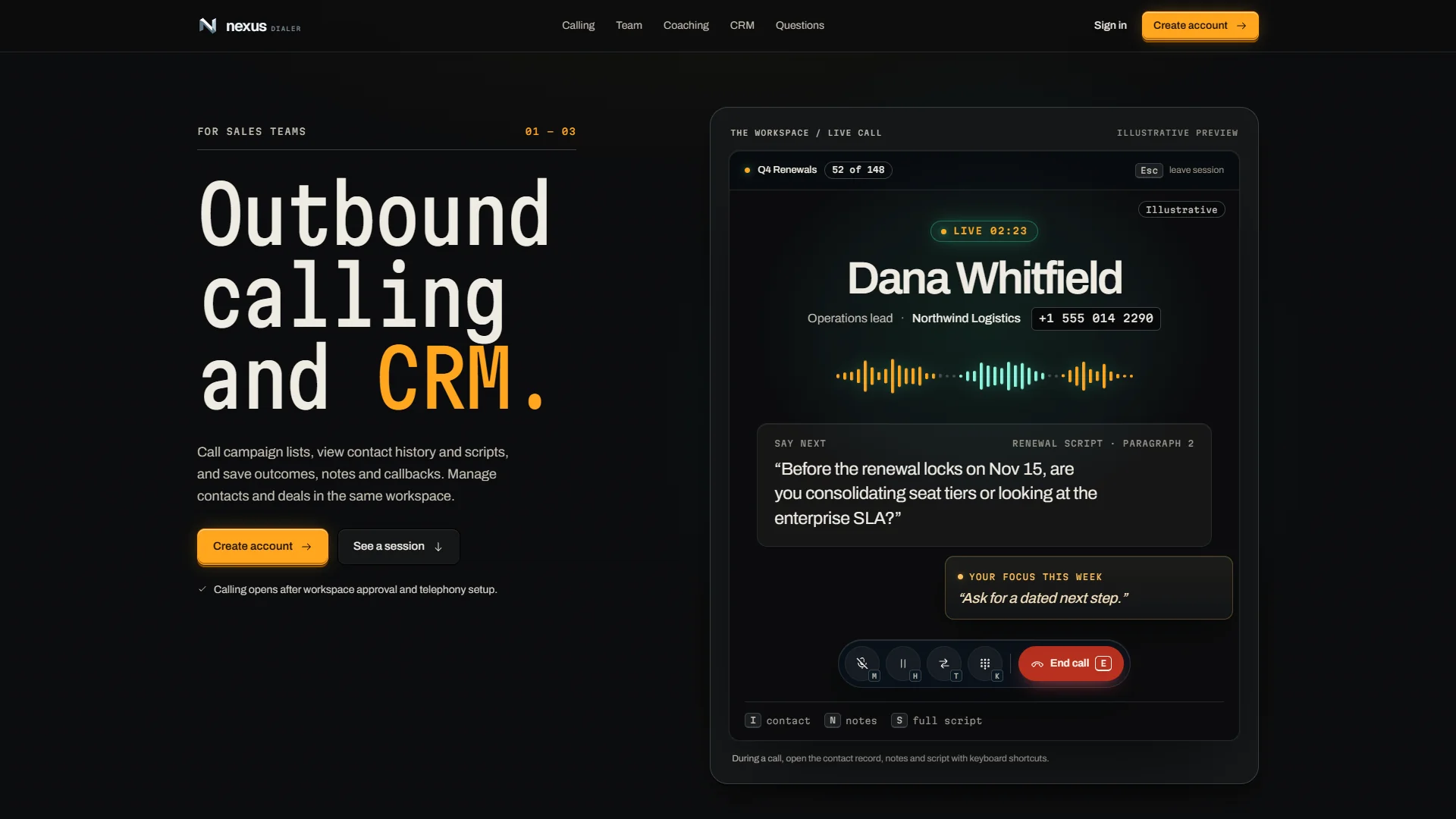
NexusDialer, our own calling product, running
Running now · NexusDialer

Products

What we set up

Three RingCentral products, configured for how calls come into the business.

  • RingEX™

    RingCentral's AI communications platform. It includes AI Receptionist, a personal AI assistant for live transcription and summaries, and AI Conversation Expert (ACE) for conversation analytics.

  • AI Receptionist™ (AIR™)

    Generative-AI call answering built into the RingCentral phone system and sold as an add-on. It answers calls, handles routine questions, routes calls by name, keyword or context, and sends follow-up texts with confirmations or scheduling links. It learns from your website, FAQs and documents.

  • RingCX™

    An omnichannel contact center: voice, SMS/MMS, chat and email in one agent application, with AI coaching and conversation analytics. It launches from the RingCentral app and shares its directory and presence.

Our part

What we do

RingCentral provides the platform. We configure it for the business and keep it working.

  • Setup and migration

    Number porting, moving off a legacy PBX or another VoIP provider, and configuring routing, queues and users.

  • AI Receptionist configuration

    Training AIR on the business's website, FAQs and documents, then testing how it answers and routes real call types.

  • CRM and tool integrations

    Connecting RingCentral to the CRM, calendar and other tools the team uses, so calls and messages are recorded there.

  • Ongoing support

    Configuration changes, new users and troubleshooting after launch.

Industries

Common setups

Law firms
Intake calls answered and routed after hours.
Medical and dental
Appointment calls and scheduling links handled outside office hours, so front-desk staff can stay with patients.
Real estate
Listing inquiries answered and routed to the right agent.
Home services
Dispatch and scheduling calls covered while crews are on a job, with confirmation texts sent automatically.

FAQ

Frequently asked questions

Setup, migration and AI Receptionist configuration for RingCentral.

Do I need to already have RingCentral to work with you?

No. We can get you set up on RingCentral from scratch, or take over configuration and integration work on an account you already have. Either way, the implementation, AI Receptionist setup and CRM integration are the same work.

What does RingCentral setup and migration include?

Porting your existing numbers (or provisioning new ones), migrating off a legacy PBX or another VoIP provider, configuring call routing and queues, and connecting RingCentral to the CRM and tools your team uses, so calls, texts and messages are recorded there.

What's involved in setting up RingCentral AI Receptionist?

AI Receptionist (AIR) learns from your website, FAQs and uploaded documents, then answers routine questions, routes calls and sends follow-up texts. We load that material, set the routing rules and test it against the calls you actually get.

Can you help us switch from our current phone provider?

Yes. Moving off a legacy PBX or another VoIP or UCaaS provider, including number porting and reconnecting your existing integrations, is part of the standard implementation.

Do you sell RingCentral licenses directly?

We set up RingCentral accounts, numbers and call flows. We also do the configuration, AI Receptionist training, CRM integrations and ongoing support.

What does ongoing support look like after go-live?

Configuration changes, adding or removing users, troubleshooting integrations, and checking that AI Receptionist and call routing keep working as the business changes.

How we work

How a change reaches production

The same five gates for our own products and for yours. Nothing reaches your customers on the strength of a demo.

  1. 01 · Isolate

    Its own branch and workspace

    Every change starts in a separate copy of the code, so work in progress never touches what is live.

    git worktree add .worktrees/your-change
  2. 02 · Build

    Engineers with AI agents

    Agents write and test code beside us. They hold no passwords: every call they make goes through our gateway, which checks it and logs it.

    agent → gateway → policy · audit · call
  3. 03 · Prove

    Evidence, then review

    Tests, before-and-after screenshots of the running app, then independent reviewers. It does not move on until no serious finding is left.

    review: 0 high · 0 medium → pass
  4. 04 · Ship

    Deployed and checked live

    The pipeline builds and deploys. Then we check the running service itself, not just a green build.

    replicas 1/1 · image sha matches · health 200
  5. 05 · Watch

    Checked every night

    Each integration we run is tested against its provider every night, so a changed API is caught before your team notices.

    nightly: each integration vs its provider

Tell us about your phone setup

Send what you use today and where calls get missed. We will describe what a RingCentral setup would involve.
in partnership withRingCentral

RingCentral is a registered trademark of RingCentral, Inc. Other third-party marks referenced herein are trademarks of their respective owners.