Workflow Automation
Cut the repetitive steps out of your daily workflows.
- Process Mapping
- Task Automation
- Approval Flows
- Status Tracking
Analytics only if you accept. Privacy
Services
We connect your tools so copy-paste, data entry and follow-ups happen automatically.
In short
Multi-step workflows across Zapier, n8n, Node, and Python that connect QuickBooks, Shopify, Slack and your CRM. Each workflow is tested against real inputs and failure cases before it goes live.
How it runs
Example run
Cut the repetitive steps out of your daily workflows.
Automated document processing.
Connect business systems.
Data cleanup and validation.
Model-based steps inside a workflow.
Cloud-based automation.
Typical build: about 9–14 weeks to launch, then ongoing support. Solid bars are the short estimate, the faint tail the long one.
Understanding your business processes
Process Mapping / Efficiency Analysis / Pain Point Identification / Opportunity Assessment
Creating automation solutions
Solution Architecture / Workflow Design / Integration Planning / System Requirements
Building automation systems
Custom Development / Integration Setup / Workflow Creation / Testing Environment
Transferring and organizing data
Data Transfer / Data Validation / System Integration / Quality Checks
Implementing automated workflows
Workflow Automation / Bot Configuration / Trigger Setup / Action Mapping
Testing and refining the system
System Testing / Performance Monitoring / Continuous Improvement / ROI Measurement
FAQ
Almost any repetitive task: invoice processing, appointment scheduling, inventory updates, report generation, email responses, data entry between systems, social media posting, lead routing, and customer follow-ups. If your team does it more than twice a day, it can probably be automated.
We use APIs, webhooks, and integration platforms like Zapier and Make to connect your tools. Common integrations include syncing QuickBooks with your CRM, connecting e-commerce to inventory, and linking calendars to project management. No data re-entry between systems.
Yes. We build multi-step workflows that span multiple platforms. For example: new sale in Shopify → creates invoice in QuickBooks → updates inventory in your system → notifies shipping team in Slack → adds customer to email sequence. All automatic.
We connect to the database directly, use file exports, build custom middleware, or use RPA (robotic process automation), which drives the system's own screens.
It depends on how much time the work takes now. We measure a task before and after automating it, so the saving is a number you can check.
Work
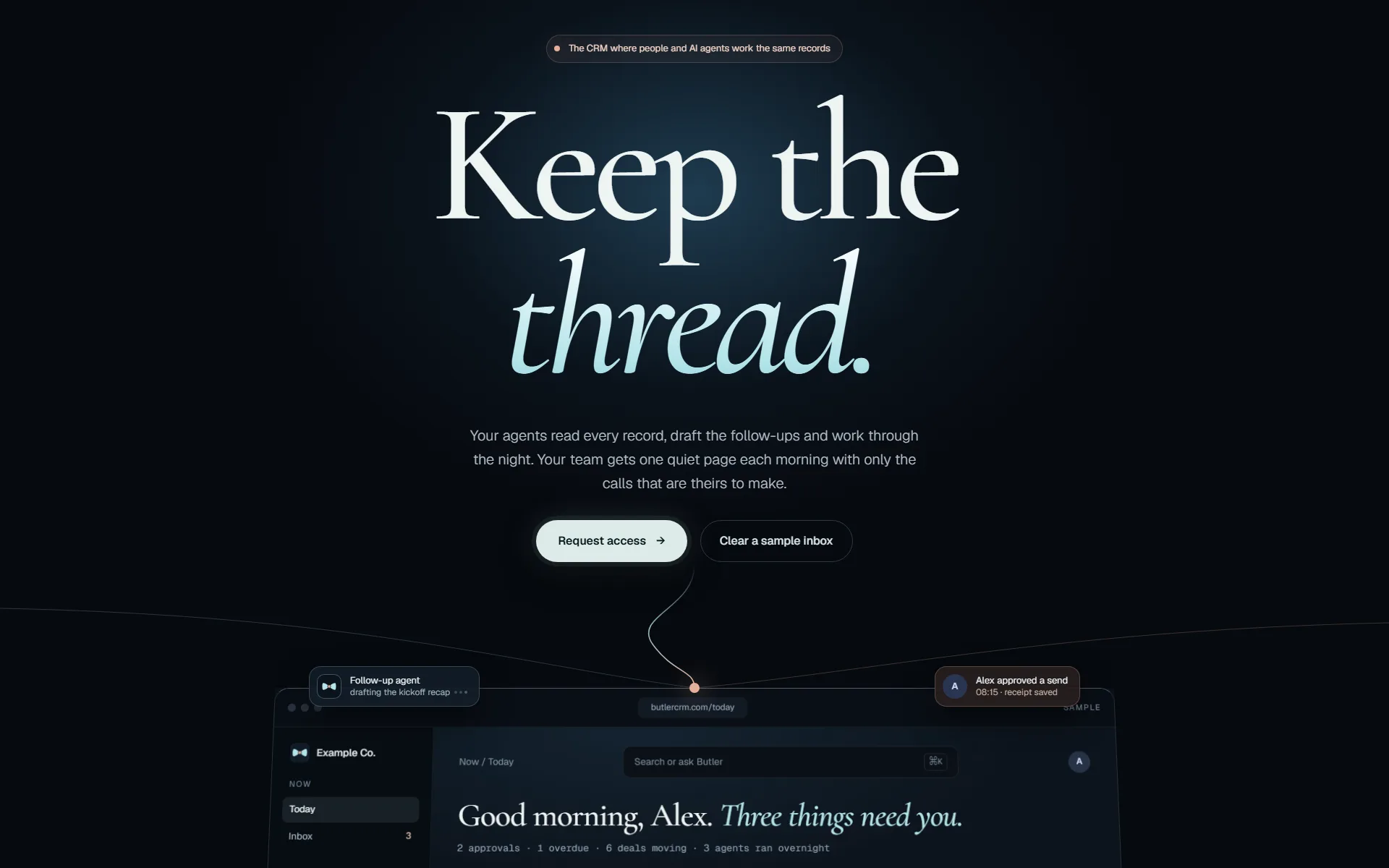
A current engagement for a Shopify brand: taking three live AI agents that handle routine store operations and making them dependable enough to trust with the business. Client work is kept confidential; details on request.
Read the case study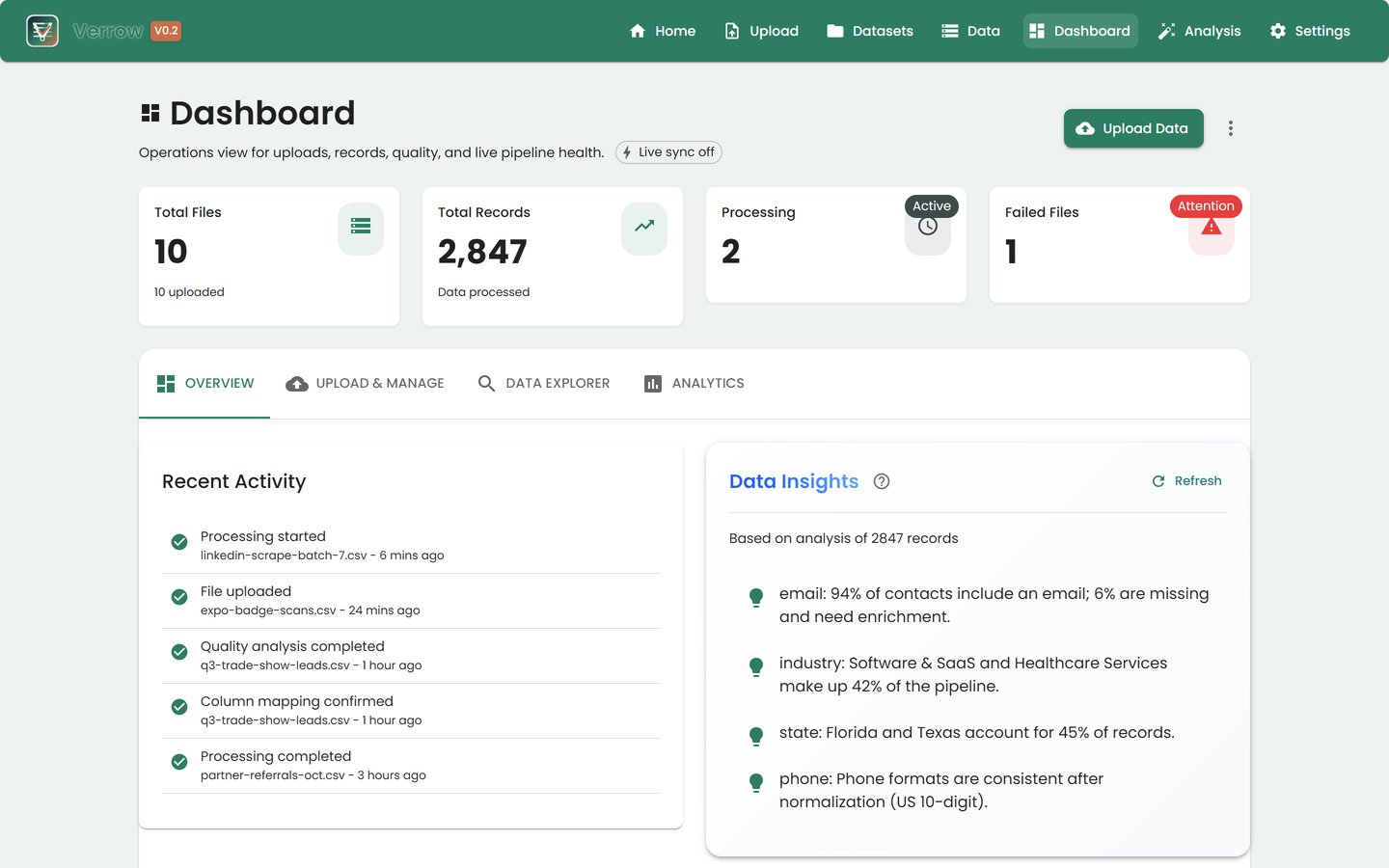
A public data operations project for raw lead files. A TypeScript front end and a Rust ingest API handle CSV upload, column-mapping suggestions and mapping review.
Read the case study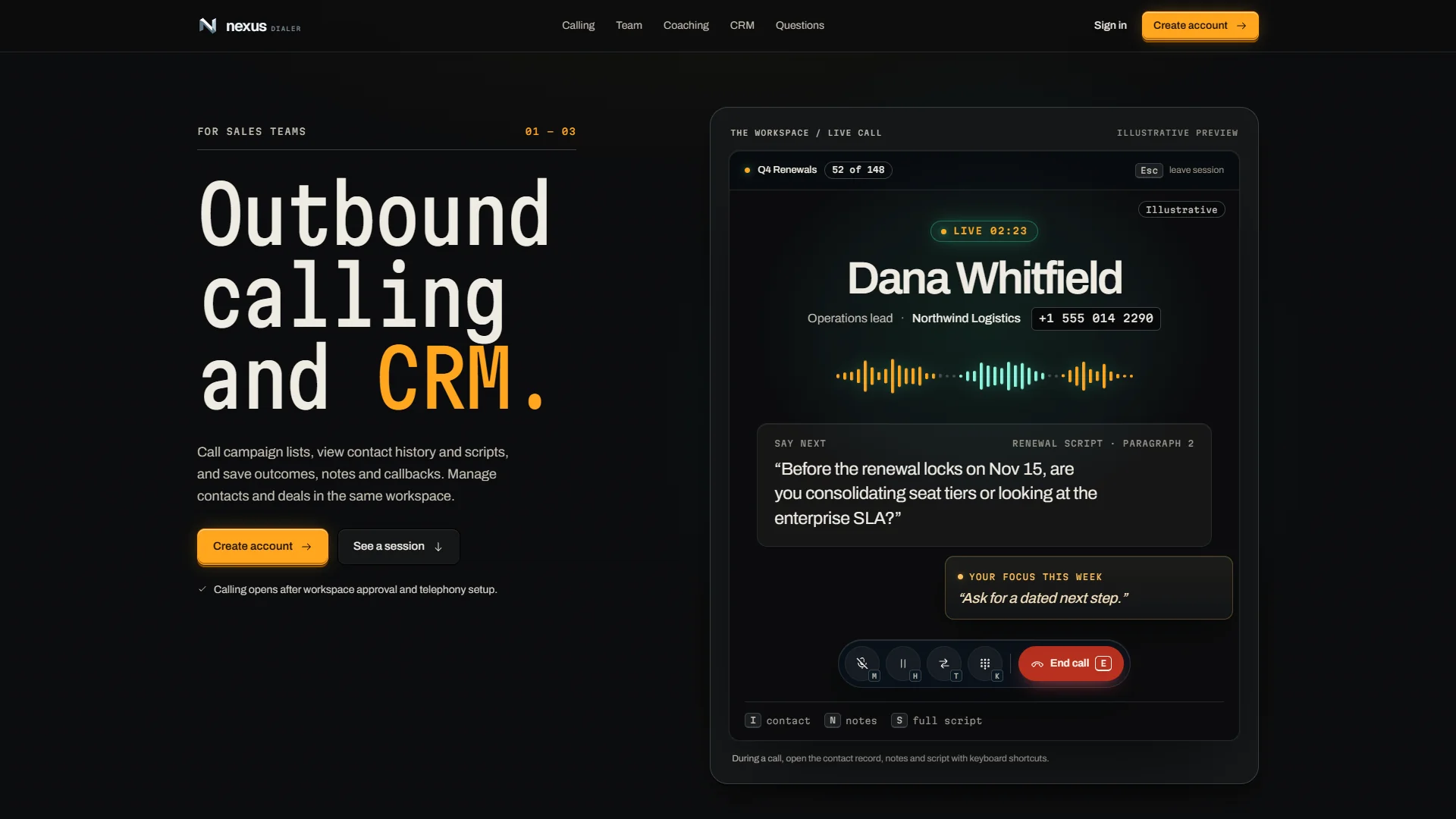
NexusDialer puts outbound calling, the contact record and a personal AI assistant on the same screen, on the web and on the phone. It is our own contact-center product and is being built out now.
Read the case studyHow we work
The same five gates for our own products and for yours. Nothing reaches your customers on the strength of a demo.
Every change starts in a separate copy of the code, so work in progress never touches what is live.
git worktree add .worktrees/your-changeAgents write and test code beside us. They hold no passwords: every call they make goes through our gateway, which checks it and logs it.
agent → gateway → policy · audit · callTests, before-and-after screenshots of the running app, then independent reviewers. It does not move on until no serious finding is left.
review: 0 high · 0 medium → passThe pipeline builds and deploys. Then we check the running service itself, not just a green build.
replicas 1/1 · image sha matches · health 200Each integration we run is tested against its provider every night, so a changed API is caught before your team notices.
nightly: each integration vs its provider